
From first question
to final pickup.
The shop is the front door. RentStand also gives you the working system behind it, on the phone you already use.

Today at a glance
The enquiry starts
where it starts.
A customer messages about a date. You do not need to move them into a new conversation just to give an answer.
“Is the tent free Saturday? Could you bring ten tables too?”
What can I offer?
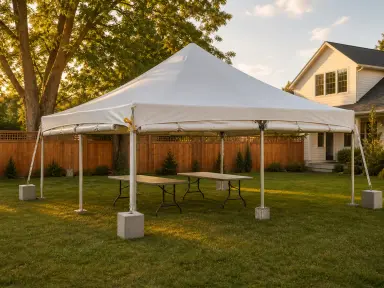
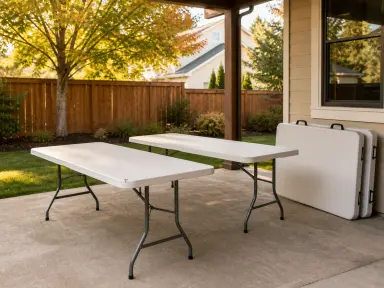

owner-only date and stock check
You know what is free.
Your reply can be simple.
Check quantities and prices for the requested date. Keep the conversation where it began, or share a listing when that is easier.
Turn a conversation
into a clear proposal.
Add rentals, services, delivery, discounts and terms. Preview what the customer sees before you send it.
offer composition
Choose when a date becomes booked.
Use review-first offers when you want to approve or decline. Or choose a deposit hold that books the dates when the customer sends. The customer sees the payment step before sending.
Try the owner approval demo →Sample data. Nothing is booked or sent.
Know where to be.
Know what to bring.
The date on the offer becomes work on your calendar. Messages and payment records stay with the rental.
15FRI
16SAT
17SUN
18
Friday, October 16
1 delivery · 1 setupCollection: Sunday afternoon
owner calendar and work
A front door with
your name on it.
The customer sees your shop and a clear plan. You see the booking, work and return in one place. Share the whole shop or just the right item next time.
See GTAPartyRentals →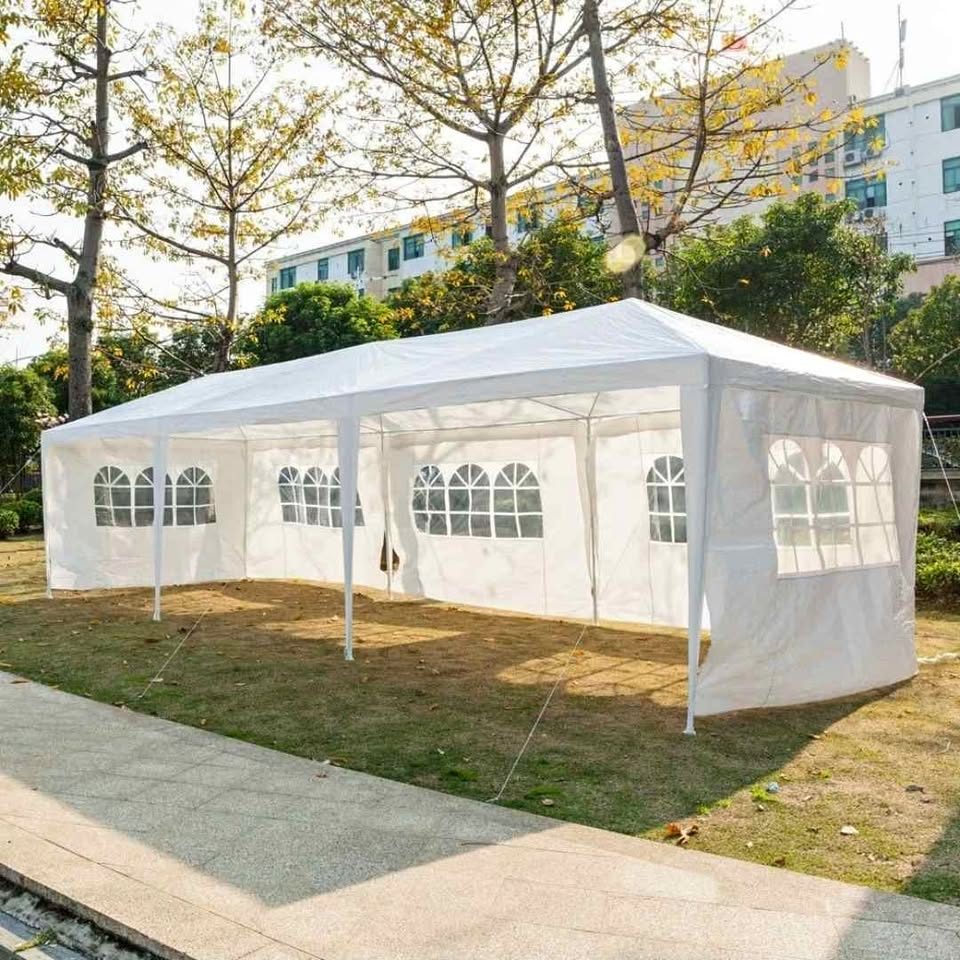
GTAPartyRentals
Durham and Scarborough, Ontario · tents, backdrops and a bounce houseStart with the rentals you already have.
Add one item, one photo, and your price. Keep building from there.